
Capture the whole page.
Not just what you see.
FullShot adds a full-page screenshot button to Safari. One click captures everything from top to bottom, including content hidden behind scroll. Stays entirely on your Mac.
Why FullShot
Native Safari screenshots only grab what fits on your display. FullShot grabs everything, from the top of the page to the very bottom, including content hidden behind scroll. No more stitching screenshots together by hand.
One click
Click the toolbar icon, FullShot scrolls and stitches the entire page in seconds.
Full resolution
High-resolution PNG output. Crisp at any zoom level.
Stays on your Mac
Page content never leaves your device. No cloud, no account.
Built-in editor, no second app needed
When the capture finishes, a preview opens with markup tools ready to go.
Annotate
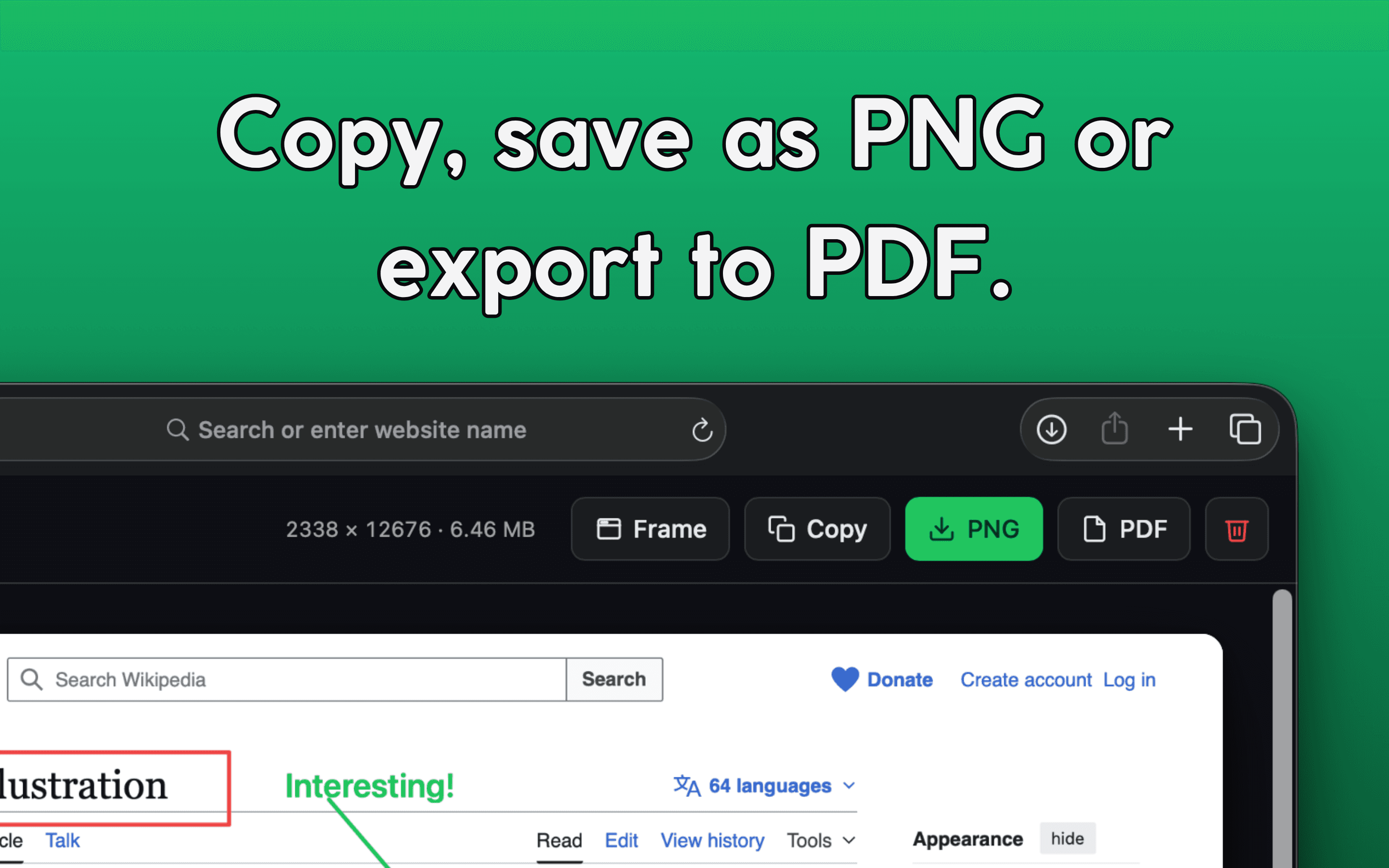
Add text, arrows, lines, and rectangles in any color. Mark up exactly what you want to point out.
Blur sensitive content
Three blur strengths from light to privacy-grade. Hide passwords, faces, internal data before sharing.
Frame your shots
Wrap captures in a Safari window mockup. Clean, shareable, ready for blog posts or pitch decks.
Copy or export
Save as a high-resolution PNG, export as a PDF, or copy directly to your clipboard.
Export your way
Pick the format that fits where the screenshot is going.
PNG
High-resolution image of the entire page.
Multi-page document, perfect for archiving and sharing.
Clipboard
Paste straight into Slack, email, Notes, anywhere.
Your screenshots stay on your Mac
No cloud uploads. No account. No signup. No browsing history sent anywhere.
Page contents stay on your Mac
Screenshots are processed entirely on your device. Captured content never touches a server.
No cloud uploads
There is no automatic upload, no syncing, no remote backup. Your screenshots are yours alone.
No account required
Install and use. No signup, no login, no tracking of who you are.
Anonymous, opt-out usage statistics
We use Plausible, a privacy-friendly EU-hosted analytics service, to count anonymous usage events (capture count, file format, page size bucket). No URLs, no page contents, no personal data. You can opt out with one click in Settings, and the toggle takes effect immediately.
Faster than reaching for the toolbar
Capture full page as PNG
Capture full page as PDF
Made for anyone who needs the whole page
Web developers
Document bugs across long pages without manual stitching.
Designers
Capture references and full layouts for inspiration boards.
Marketers
Grab competitive research and landing pages in one shot.
Anyone
Save the entire article, recipe, or thread, not just the fold.
No subscription. No account. No nonsense.
Open Safari, click the FullShot icon in the toolbar, get your screenshot. That is the entire experience.
Get it on the Mac App StoreGet in touch
Questions, feedback, or a bug to report? Send us a message and we will get back to you.
Or email us directly at hello@hatchable.io