Hand Arcade
Five arcade games you play with your hand. Your Mac's camera is the controller.
Coming soon
Turns on your webcam. It loads a 17 MB hand tracker once. Your video stays in your browser.
This demo runs in your browser with Google's MediaPipe. The Mac app uses Apple's own hand tracking, built into macOS.
Pick a game
In the app, you hold your hand over a game to pick it. Here, pick one to see it.
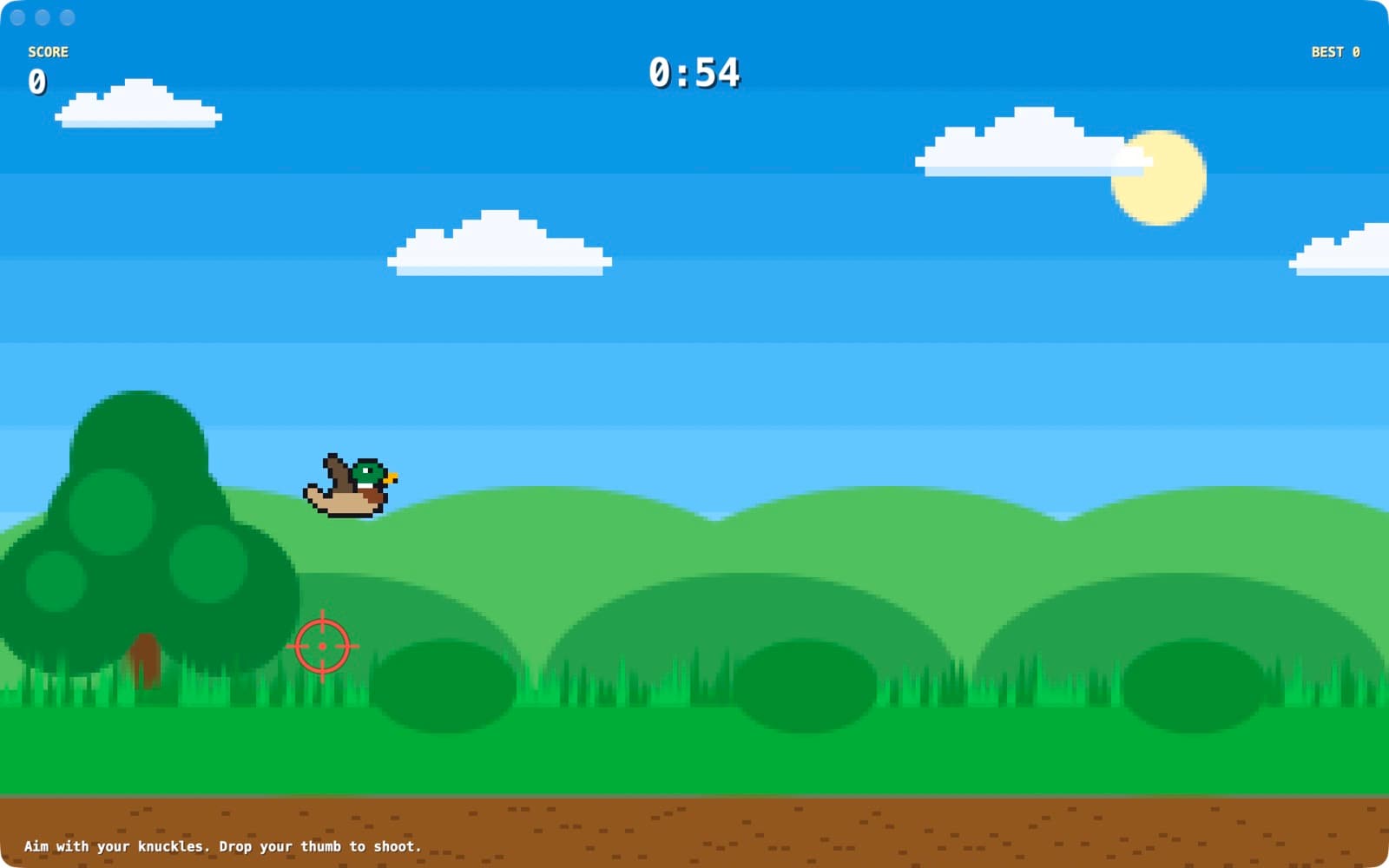
Duck Shoot
Make a finger gun. Drop your thumb to shoot.
- Ducks fly for 60 seconds.
- Gold ducks are worth more.
- Hit a few in a row for a combo.
Moves Finger gun
Five moves. That's the whole controller.
Turn on the camera. Each card lights up when it sees that move.
Pinch
Touch your thumb to your pointer finger.
Hand of God, Darts, and picking a game
Fist
Close your hand tight.
Hand of God, Goalkeeper
Finger gun
Point, thumb up. Drop the thumb to shoot.
Duck Shoot
Point
One finger out. Swipe fast.
Slice Dojo
Open hand
Palm to the camera, fingers spread.
Hand of God, Goalkeeper

The camera sees your hand. Nobody else does.
- Tracking runs on your Mac. Hand Arcade uses Apple's Vision, built into macOS.
- Video is never saved or sent. The app makes no network requests at all.
- No account. No ads. No analytics. No in-app purchases either.
- It saves two things: your best scores and your sound setting.
You can turn the camera off any time in System Settings, Privacy & Security, Camera. Read the privacy policy.
What you need
- A Mac with a camera
- macOS 14 or later
- Good light on your hand
- Your hand about an arm's length from the screen
Four keys
- EscBack to the menu
- MSound on or off
- CShow the camera view
- FFull screen
Need help?
Ask a question or report a bug.